sdsapps
SDS Apps · In development

BookCollections

Catalogue every book you own — and every one you still want.

A personal library manager for Android. Organise by author and series, pull in rich details from open data, keep a wishlist, and find the best place to buy — all without an account, and with nothing about you ever leaving your phone.

In development Android No account No tracking £0.00
BookCollections app showing a personal library grouped by author and series, with a library-health bar flagging possible duplicates and books to review.
A look inside

Everything a shelf can't do

Five of the screens you'll actually live in — from browsing what you own to tracking down a copy of something you don't.

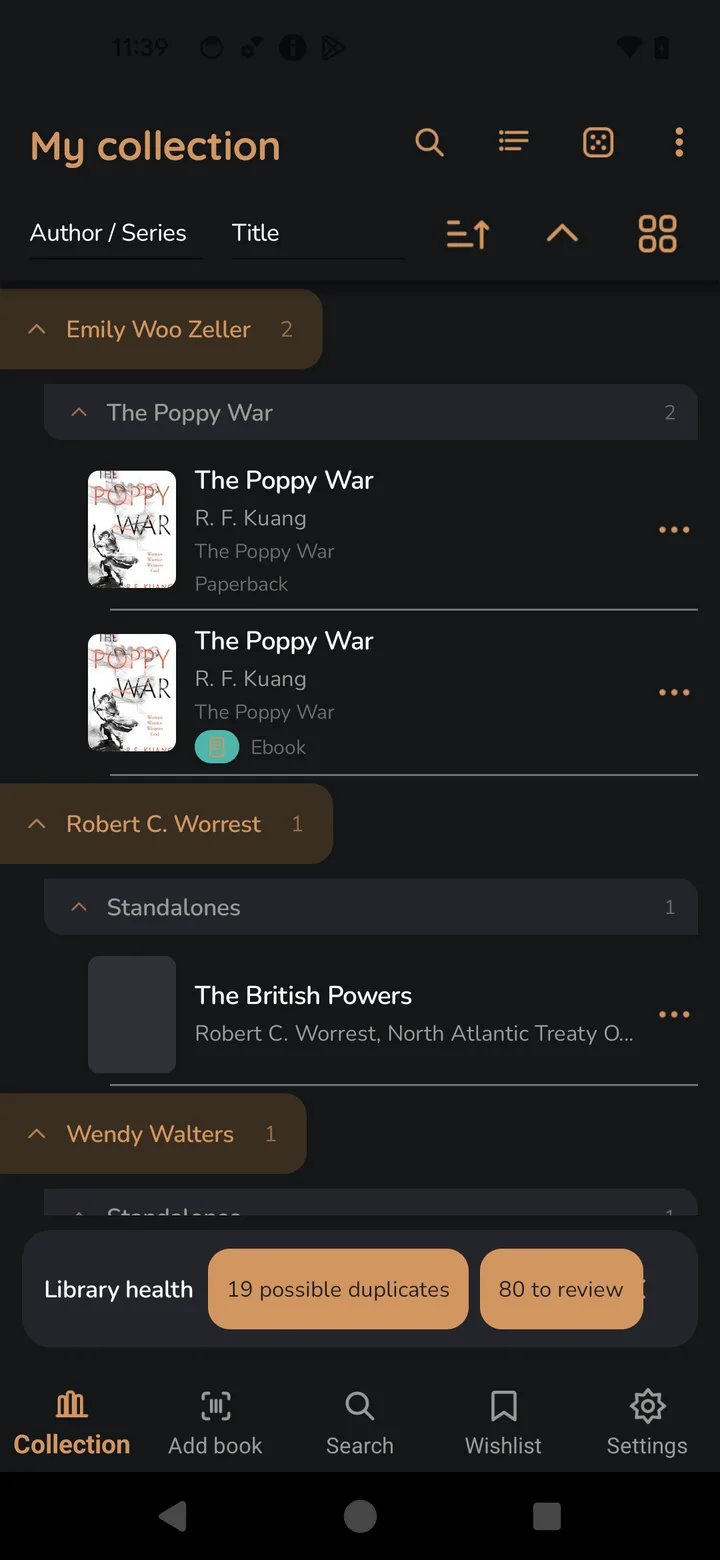
The collection screen, with books grouped under expandable author and series headings, each showing cover, format and edition.
01 · Collection

Your whole library, at a glance

Books group themselves under the authors and series they belong to, so a sprawling collection stays navigable. Sort by author, series or title, and see the format and edition of every copy without opening a thing.

  • Author → series → book hierarchy you can expand and collapse
  • Formats and editions shown inline — paperback, ebook and more
  • A library-health bar that flags possible duplicates and books still to review
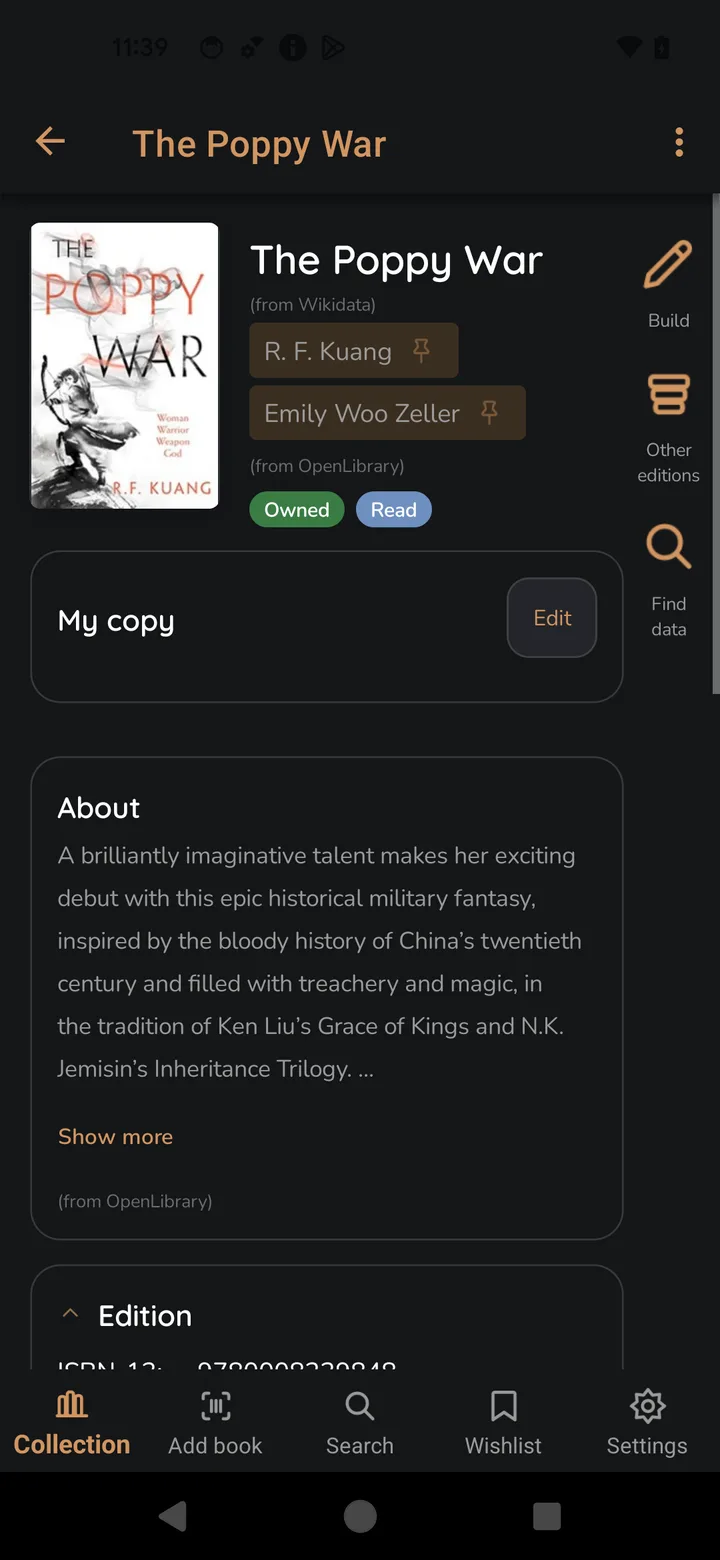
A book detail page for The Poppy War showing cover, authors, owned and read status, a description, and edition information.
02 · Book detail

Every detail, from open sources

Each book pulls together authors, descriptions, cover art and edition data from open, community-run databases — then lets you record what's true for your copy on top of it.

  • Metadata sourced from Wikidata and OpenLibrary
  • Mark books Owned and Read; keep notes on your specific copy
  • Jump to other editions, or refresh the data whenever you like
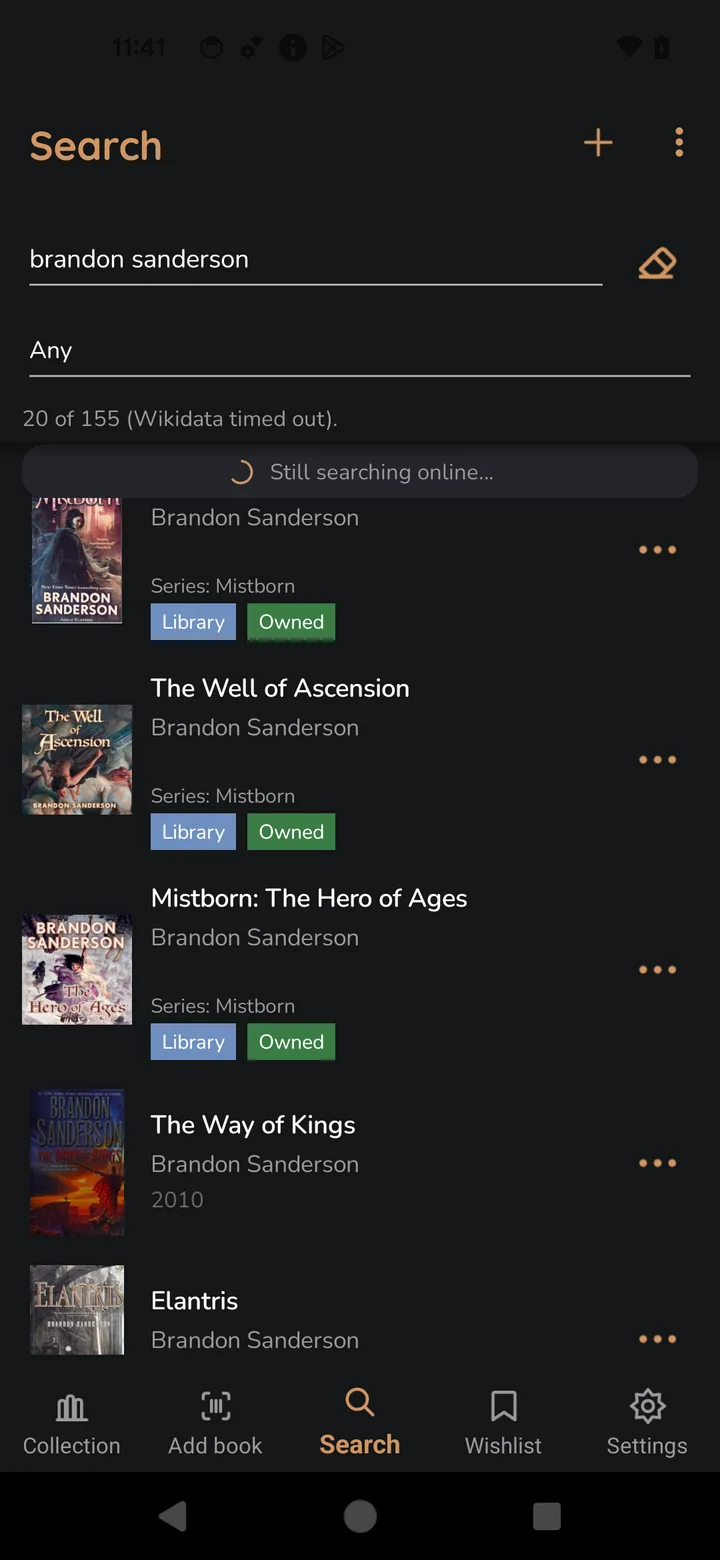
Search results for Brandon Sanderson, each result tagged to show whether it is already in the library or owned.
03 · Search

Search the open book web

Look up anything by title or author and BookCollections searches open catalogues live — while clearly marking what's already on your shelves so you never buy the same book twice.

  • Live results from Wikidata and OpenLibrary
  • Clear Library and Owned tags on things you already have
  • Add straight to your collection or your wishlist
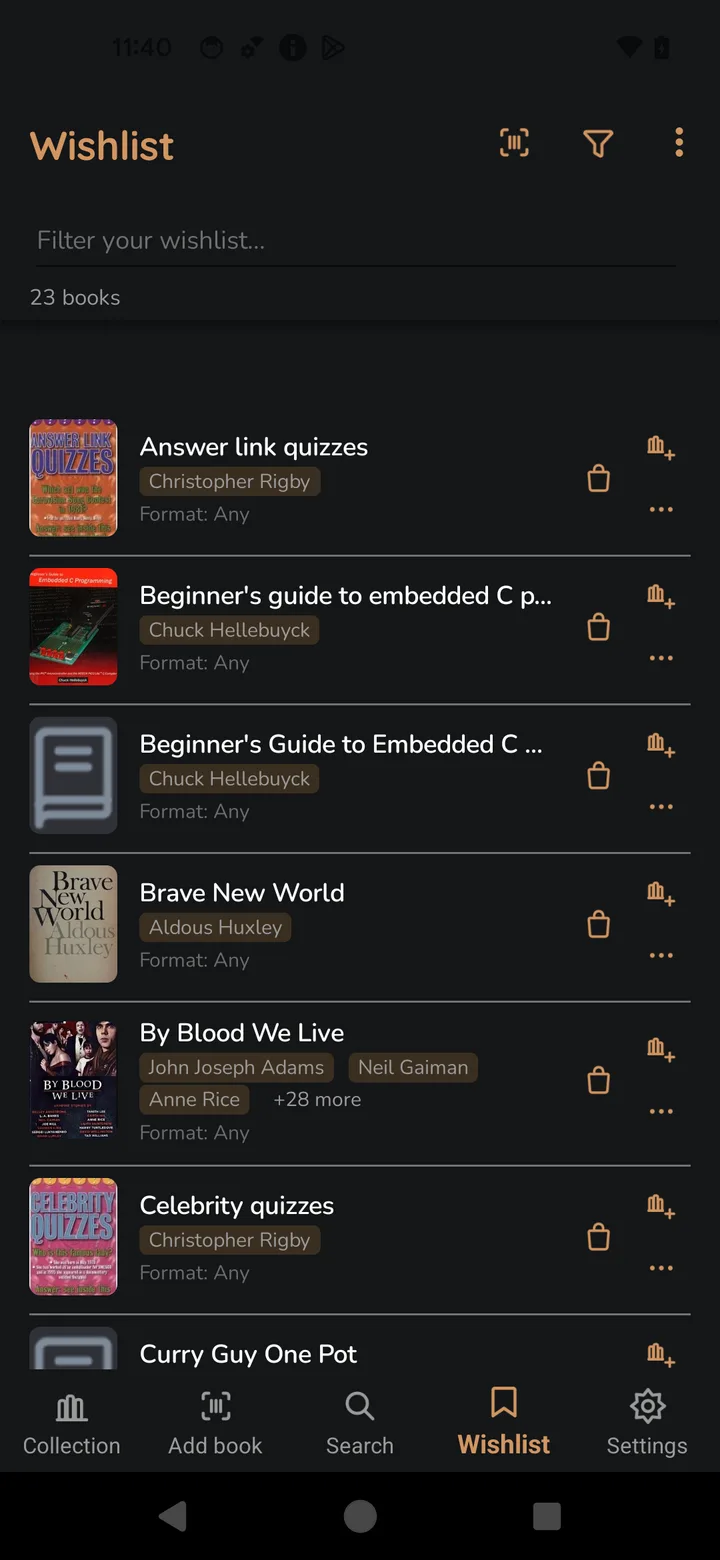
The wishlist screen listing 23 wanted books with covers, authors and a filter box.
04 · Wishlist

A wishlist that remembers

Keep a running list of everything you mean to get to. Filter it down in a tap, and when you're ready, move a book into your library or send it straight to the buy screen.

  • Track wanted books with covers, authors and preferred format
  • Filter a long list instantly
  • One tap to buy, or to promote a book into your collection
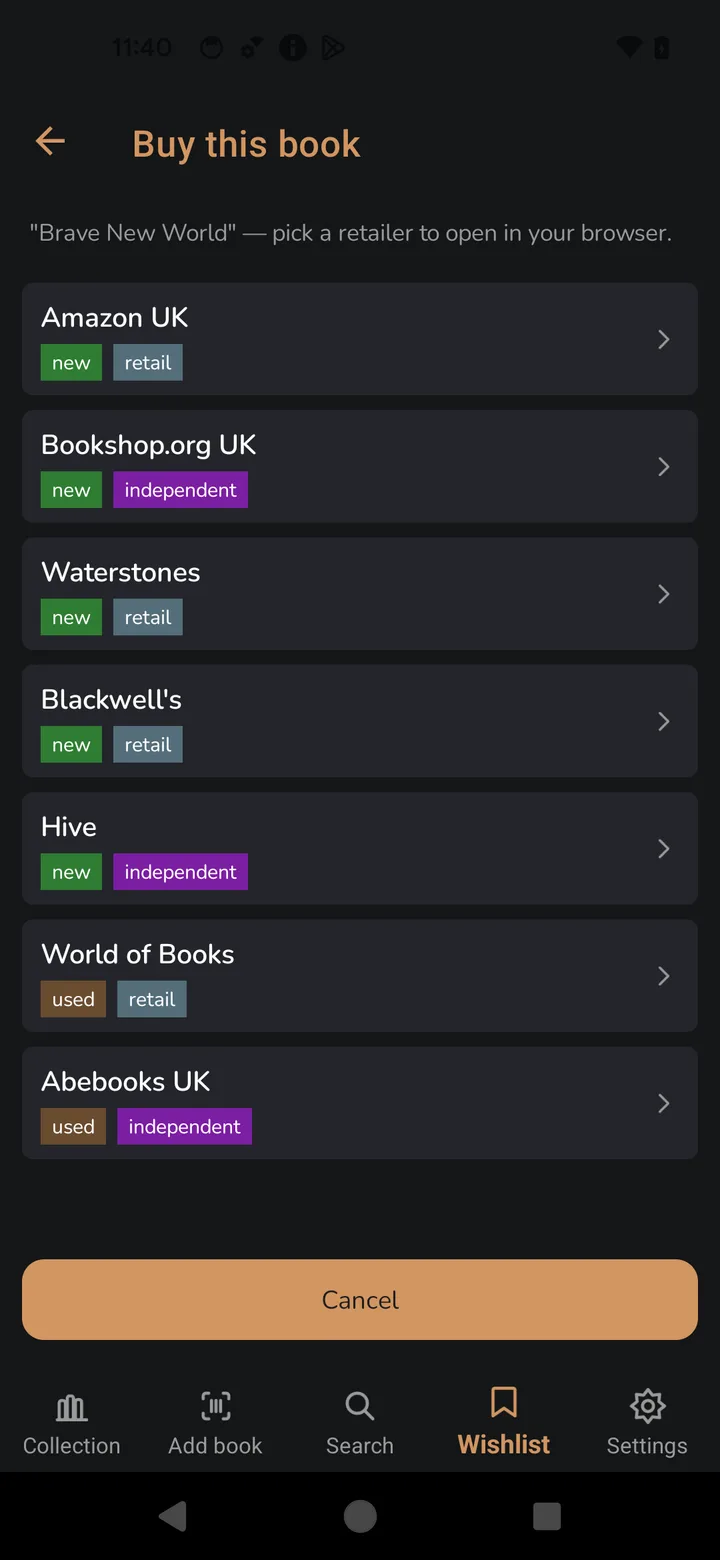
The buy screen for Brave New World listing UK retailers, each tagged new or used and retail or independent.
05 · Buy this book

Buy it your way

When you want a copy, BookCollections lines up the places that sell it and lets you choose — the big retailers, or the independents; brand new, or second-hand. Pick one and it opens in your own browser.

  • Amazon, Waterstones, Blackwell's, Bookshop.org, Hive, World of Books, Abebooks
  • Clearly labelled new / used and retail / independent
  • Opens in your browser — no purchase ever runs through the app
Why it exists

Built to organise, not to observe

Organise

Author and series grouping, sorting, formats and duplicate detection keep even a large, messy collection tidy.

Discover

Search open book databases and enrich every entry with descriptions, editions and cover art — no proprietary lock-in.

Wishlist & buy

Save what you want and compare where to buy it — new or used, big-name or independent — then finish in your browser.

Private by design

No account, no analytics, no telemetry. Your library is stored on your device and answers to nobody but you.

Your library lives on your device

BookCollections has no account system and sends nothing about you to SDS Apps. Network access is used only to fetch book data you asked for from open catalogues — never to report on you. It's the same promise behind every SDS Apps release: read the policies and how they're enforced →